Mandatory Multifactor Authentication in Microsoft 365: What Changes for Your SMB
6 October 2026
Ransomware: What to Do in the First Hour
6 October 2026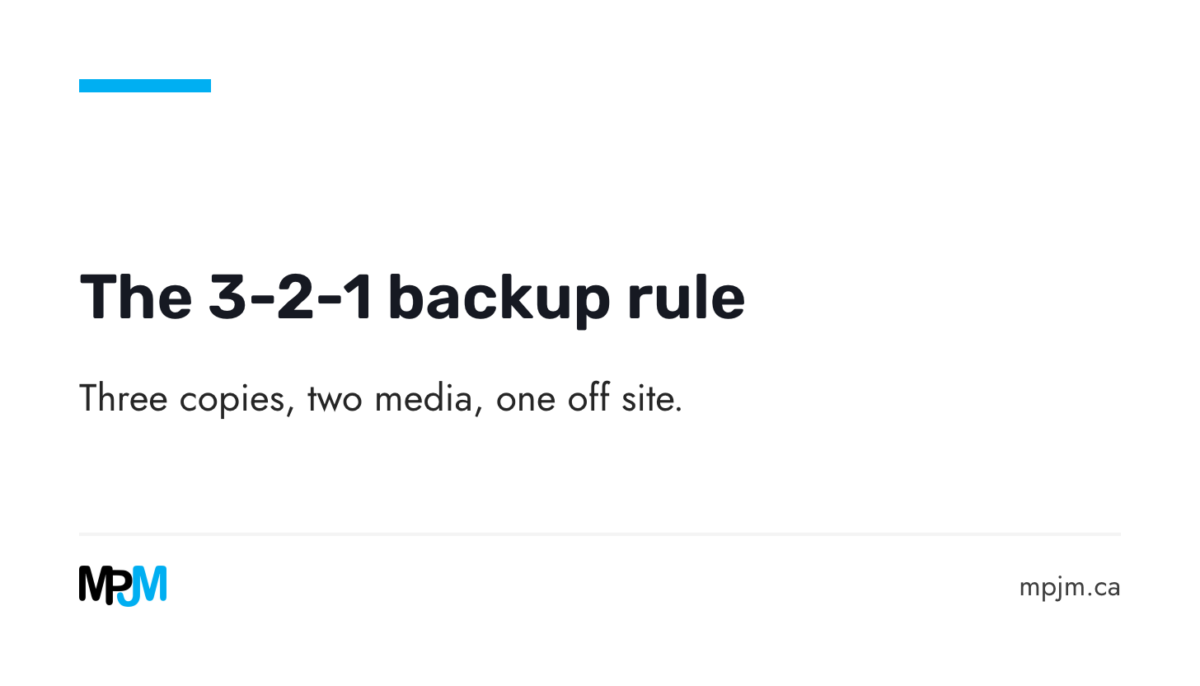
Ransomware encrypts the server on a Monday morning. An employee empties a shared folder by mistake. A laptop fails the day before a deadline. In all three cases only one question matters: can everything be recovered, and how quickly? The 3-2-1 rule is the simplest answer cyber security authorities recommend. Here is what it asks for, and why Microsoft 365 does not replace it.
The 3-2-1 rule in one sentence
The Canadian Centre for Cyber Security sums it up: keep three copies of your data, the original and two backups, on two different types of media, with one copy off site (ITSAP.40.002).
Each number has a reason.
- Three copies, because a single backup can itself be corrupted, deleted or encrypted.
- Two media, because one failure (a disk, a device, a provider) must not reach every copy.
- One copy off site, because a fire, water damage or theft at the office takes everything that is there.
Why an offline copy changes everything against ransomware
Ransomware encrypts whatever it can reach. A backup that stays connected to the network is therefore often encrypted along with everything else. The Canadian Centre recommends offline backups, connected only when needed, which cyber threats such as ransomware cannot target (ITSAP.40.002). Its ransomware playbook goes further: at least two backups stored offline, out of reach of your networks and your internet connection, with a secondary copy possible at a cloud provider (ITSM.00.099).
The same playbook makes a point many owners learn too late: paying the ransom does not guarantee you get your data back.
Microsoft 365 is not a complete backup
Many SMBs assume their email and files are "in the cloud", so they are safe. Microsoft 365 does keep deleted items for a while, but that window is short and meant to undo a mistake, not to recover from an attack.
- Exchange Online keeps permanently deleted items for 14 days by default, and up to 30 days if an administrator sets it (Microsoft).
- SharePoint keeps recycle bin items for 93 days, after which they are deleted for good (Microsoft).
Microsoft also sells a separate offer, Microsoft 365 Backup, billed on the data it protects, covering SharePoint, OneDrive and Exchange, and naming ransomware and accidental or malicious deletion as what it is for (Microsoft). If such an offer exists, the recycle bin is not enough.
A mistake noticed after three weeks, a compromised account that wipes a mailbox, a former employee whose OneDrive was deleted: in these cases only a real backup, kept elsewhere, lets you go back.
How often should you back up?
The right frequency depends on what you would accept to lose. The Canadian Centre describes three approaches, which can be combined (ITSAP.40.002):
- a full backup, which copies everything, done periodically (weekly or monthly) and before any major upgrade;
- a differential backup, which copies what changed since the last full backup;
- an incremental backup, which copies what changed since the last backup of any kind.
In practice, an SMB often combines a weekly full backup with lighter daily backups. What matters is choosing that rhythm in advance, in writing, rather than discovering it on the day of a failure.
The restore test: the only proof that counts
A backup that has never been restored is a promise, not a proof. The Canadian Centre recommends testing recovery from backups regularly (ITSAP.40.002), for example every month (ITSM.00.099).
A useful test answers three questions:
- Does the data come back? Restore a folder, a mailbox, a machine.
- How long does it take? The real recovery time, not the one on the datasheet.
- Back to when? The date of the most recent intact copy, which is what would be lost.
Where to start in an SMB of 10 to 100 employees
- Take inventory of what must survive: servers, key workstations, email, shared files, business applications.
- Check the three numbers: how many copies really exist, on how many media, and which one is off site and offline.
- Encrypt sensitive data, as the Canadian Centre recommends, and for a cloud backup, check the provider’s security, its incident handling and where the data is kept (ITSAP.40.002).
- Cover Microsoft 365 with a separate backup, from Microsoft or from a vendor such as Veeam (see our Veeam backup page).
- Test a restore and write down the result, every month.
To make a restore test and the state of your backups part of a regular follow-up, MPJM’s monthly security review gives you a written report every month of what happened on your network.
What now?
Not sure how many copies of your data really exist, or which one would survive ransomware? Ask for MPJM’s free network analysis.